IAM, Service Accounts, and Workload Identity: Getting GCP Security Right
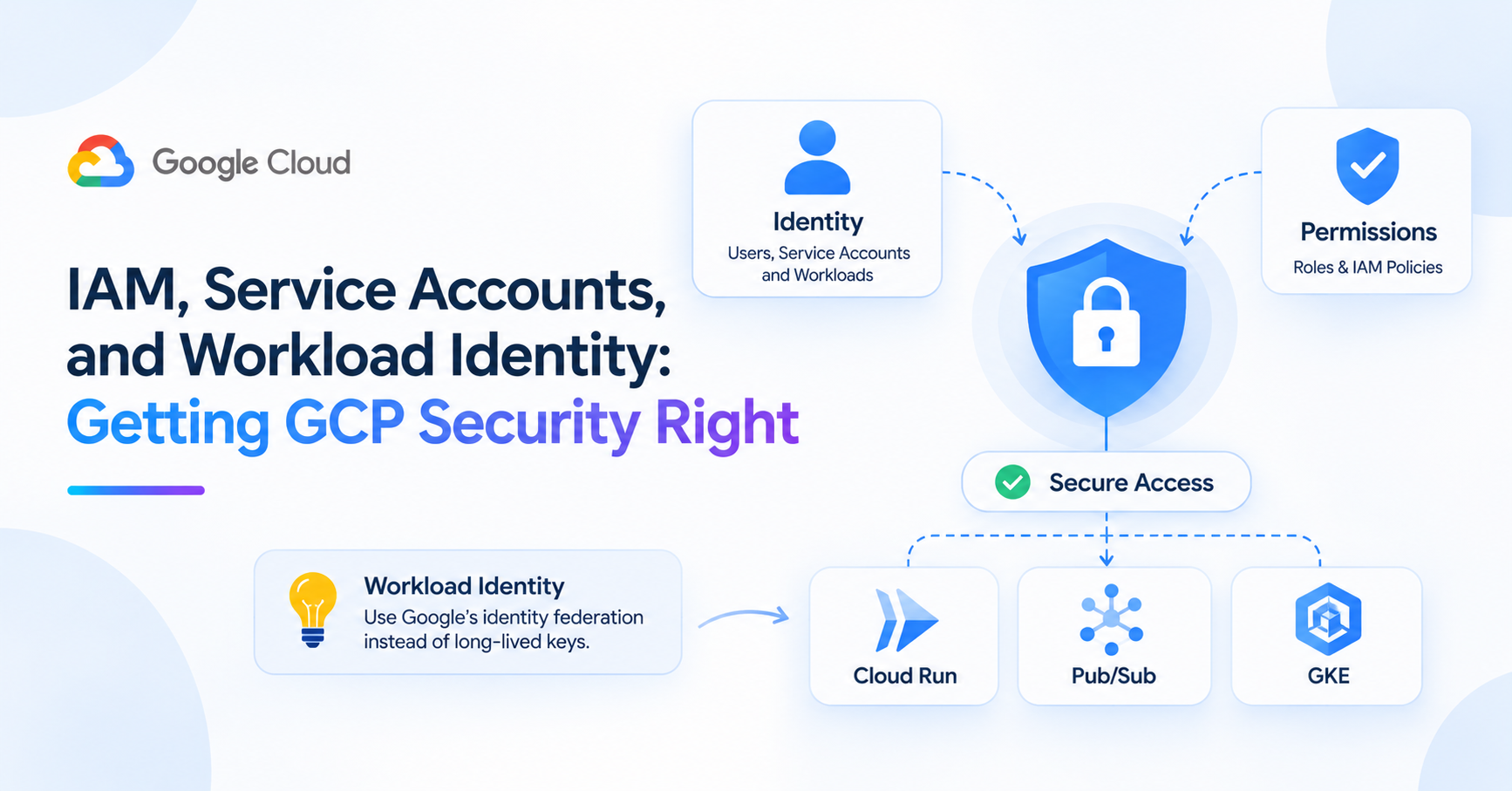
During an early GCP project, a Cloud Run service kept failing with permission errors. The fastest fix was adding the Owner role to its service account. It worked. The service deployed. Nobody revisited it.
Three months later, a security review flagged that service account — a containerised API with the same permissions as a project administrator. It could read and write every resource in the project, manage IAM bindings, and delete infrastructure. The API's actual requirement was publishing to two Pub/Sub topics.
This isn't an unusual story. It's the default failure mode of IAM when the goal is "make it work" and the access model isn't understood.
The Mental Model: Principals, Roles, Bindings
GCP IAM has three components:
Principals — who is requesting access. A principal is a Google account, a service account, a Google group, or a domain. Service accounts are the principals your services run as.
Roles — what they can do. A role is a collection of permissions. GCP has predefined roles (roles/pubsub.publisher, roles/cloudsql.client), basic roles (Owner, Editor, Viewer — avoid these on production resources), and custom roles you define yourself.
Bindings — the connection between them. A binding says: this principal has this role on this resource.
Principal (service account)  +  Role (pubsub.publisher)  +  Resource (topic)
       =  one IAM binding
Granting access means creating a binding. Revoking means removing it. The model is explicit and auditable — every permission a service account has is a binding you (or someone) created deliberately.
Service Accounts: One Per Service
The right pattern is one service account per service, named clearly, with only the roles it actually needs.
# Each service gets its own identity
resource "google_service_account" "api" {
  account_id   = "pulsecart-api"
  display_name = "PulseCart API Service"
  description  = "Identity for the PulseCart FastAPI service on Cloud Run"
}

resource "google_service_account" "worker" {
  account_id   = "pulsecart-worker"
  display_name = "PulseCart Event Worker"
  description  = "Identity for the PulseCart Pub/Sub consumer on Cloud Run"
}
Then grant each service account exactly the roles it needs — no more:
# API: can publish events, read from Secret Manager, write to Cloud SQL
resource "google_project_iam_member" "api_pubsub" {
  project = var.project_id
  role    = "roles/pubsub.publisher"
  member  = "serviceAccount:${google_service_account.api.email}"
}

resource "google_project_iam_member" "api_secrets" {
  project = var.project_id
  role    = "roles/secretmanager.secretAccessor"
  member  = "serviceAccount:${google_service_account.api.email}"
}

resource "google_project_iam_member" "api_cloudsql" {
  project = var.project_id
  role    = "roles/cloudsql.client"
  member  = "serviceAccount:${google_service_account.api.email}"
}

# Worker: can acknowledge messages, no write access to anything else
resource "google_project_iam_member" "worker_pubsub" {
  project = var.project_id
  role    = "roles/pubsub.subscriber"
  member  = "serviceAccount:${google_service_account.worker.email}"
}
The Cloud Run service then runs as that service account:
resource "google_cloud_run_v2_service" "api" {
  template {
    service_account = google_service_account.api.email
    # ...
  }
}
Application code doesn't need credentials. Application Default Credentials (ADC) handles authentication automatically — the SDK detects it's running on GCP and uses the service account attached to the instance.
# No credentials in code — ADC picks up the Cloud Run service account
from google.cloud import pubsub_v1
publisher = pubsub_v1.PublisherClient()
Never Use Service Account Keys
Service account keys are JSON files containing a private key that authenticates as the service account. They're permanent (until manually rotated), not tied to any specific machine, and impossible to audit by usage — once a key exists, you can't know where it's been copied.
The correct alternatives:
| Scenario | Solution |
|---|---|
| Code running on GCP (Cloud Run, GCE, GKE) | ADC — no key needed |
| GitHub Actions deploying to GCP | Workload Identity Federation |
| Local development | gcloud auth application-default login |
| External system that genuinely can't use OIDC | Service account key, rotated monthly, stored in Secret Manager — last resort |
If a key is ever committed to git, treat it as compromised immediately: revoke it in the GCP console (IAM → Service Accounts → [account] → Keys → Delete), audit Cloud Audit Logs for usage, and rotate any credentials the key had access to.
Workload Identity Federation for GitHub Actions
Workload Identity Federation lets GitHub Actions (or any external OIDC provider) authenticate to GCP by exchanging a short-lived GitHub token for GCP credentials — no long-lived keys stored anywhere.
# Create the Workload Identity Pool
resource "google_iam_workload_identity_pool" "github" {
  workload_identity_pool_id = "github-pool"
  display_name              = "GitHub Actions Pool"
}

# Add GitHub as an OIDC provider
resource "google_iam_workload_identity_pool_provider" "github" {
  workload_identity_pool_id          = google_iam_workload_identity_pool.github.workload_identity_pool_id
  workload_identity_pool_provider_id = "github-provider"

  oidc {
    issuer_uri = "https://token.actions.githubusercontent.com"
  }

  attribute_mapping = {
    "google.subject"       = "assertion.sub"
    "attribute.repository" = "assertion.repository"
    "attribute.ref"        = "assertion.ref"
  }

  # Only allow your specific repo — not any GitHub Actions workflow
  attribute_condition = "assertion.repository == 'your-org/your-repo'"
}

# Bind your deploy service account to the pool
resource "google_service_account_iam_member" "github_deploy" {
  service_account_id = google_service_account.deploy.name
  role               = "roles/iam.workloadIdentityUser"
  member             = "principalSet://iam.googleapis.com/${google_iam_workload_identity_pool.github.name}/attribute.repository/your-org/your-repo"
}
In GitHub Actions:
- name: Authenticate to GCP
  uses: google-github-actions/auth@v2
  with:
    workload_identity_provider: ${{ secrets.WIF_PROVIDER }}
    service_account: deploy@your-project.iam.gserviceaccount.com
The workflow gets a short-lived token scoped to exactly the permissions of the deploy service account. No key to rotate, no key to leak.
The Audit Habit
Cloud Audit Logs record every IAM change and every time a principal accesses a resource. Two queries worth running regularly:
# Who has Owner or Editor on production?
resource.type="project"
protoPayload.methodName="SetIamPolicy"
protoPayload.request.policy.bindings.role=("roles/owner" OR "roles/editor")
# Service accounts with keys (keys shouldn't exist in production)
resource.type="iam_service_account"
protoPayload.methodName="google.iam.admin.v1.CreateServiceAccountKey"
IAM done right is invisible — services have the access they need, nothing more, and every binding is in Terraform so any change goes through code review. The alternative is quiet privilege creep until a security review finds a containerised API with Owner role.
About the author
- Senior full-stack engineer and engineering lead with 5+ years building cloud-native systems at scale. I write about the things the docs don't cover — GCP, FastAPI, Terraform, event-driven architecture, and AI-powered backends. No hello-world demos.
Comments
Join the discussionNo comments yet. Be the first to comment.
GCP: The Missing Manual
GCP's documentation covers what each service does. This series covers the decisions the docs don't make for you — which database to pick, when Cloud Run stops being enough, how IAM actually works if you're coming from AWS, and what to monitor before something goes wrong. Six posts for engineers who are already building on GCP and want to understand it more deeply, not a getting-started guide.