Cloud SQL vs AlloyDB vs Firestore: Picking the Right Database on GCP
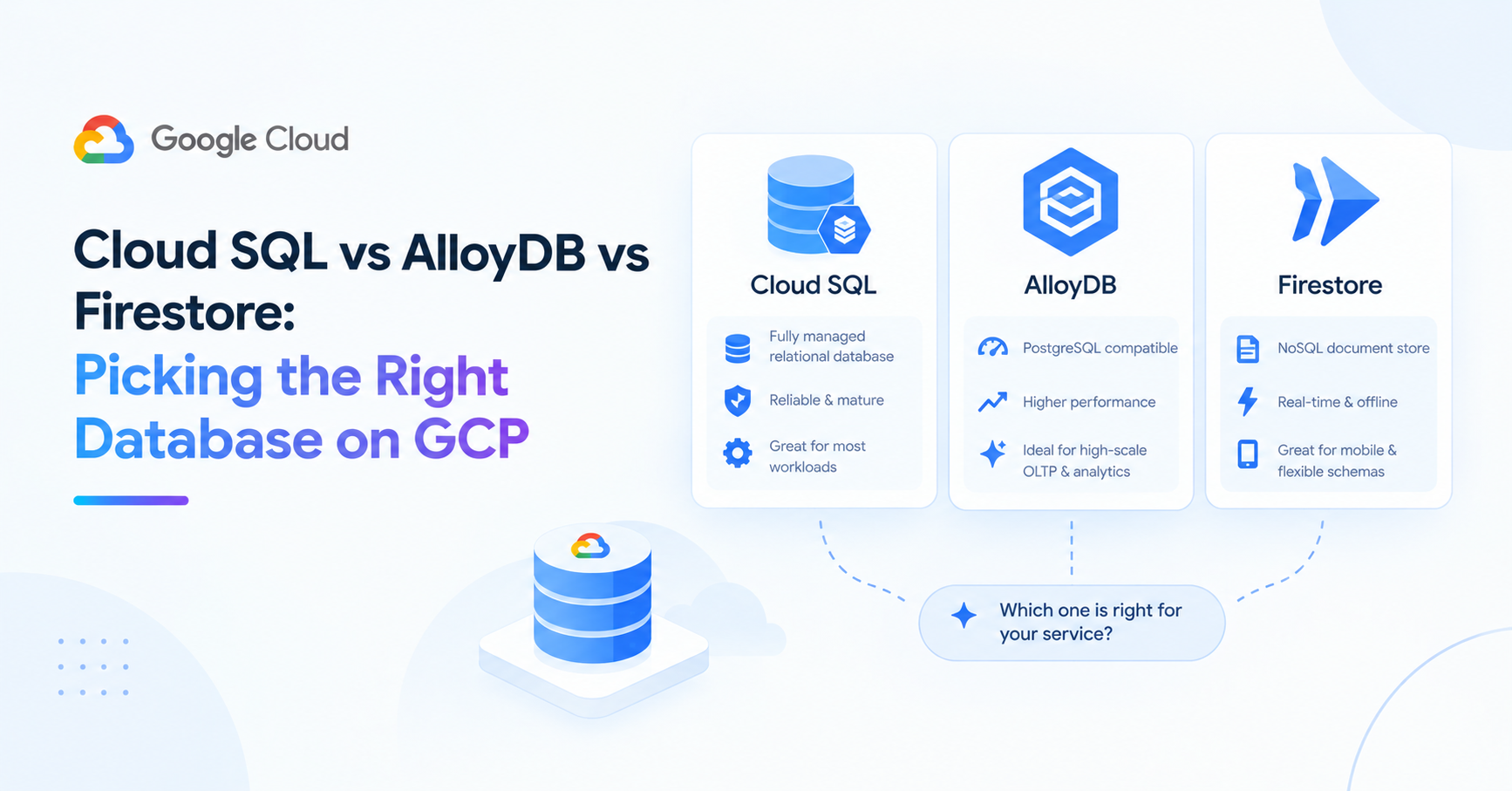
The question engineers actually ask isn't "what are the trade-offs between Cloud SQL, AlloyDB, and Firestore?" It's: "I'm building a new service — should I use Firestore or Cloud SQL?"
The honest answer is: almost always Cloud SQL. But the reasoning matters more than the answer, because the cases where Firestore is genuinely the right choice are real and distinct.
Start Here: Firestore or SQL?
Firestore is a document database — schema-flexible, hierarchical, horizontally scalable by design. Cloud SQL is a managed relational database (PostgreSQL or MySQL) — structured, relational, familiar to most backend engineers.
The question isn't which is "better." It's which model fits your data.
Choose Cloud SQL when:
- Your data is relational — entities with relationships, foreign keys, joins
- You need transactions across multiple records or collections
- Your team knows SQL and will be writing queries for analytics, reporting, or debugging
- You're building a standard CRUD application with predictable query patterns
- You're coming from any relational database and want the least migration friction
Choose Firestore when:
- Your data is naturally hierarchical and document-shaped (each entity is largely self-contained)
- You need real-time data sync to mobile or web clients (Firestore's killer feature)
- You need to scale reads globally without managing read replicas
- Schema flexibility is genuinely important — fields vary significantly between documents
- You're building for mobile-first where offline sync matters
The real-time sync and offline support are Firestore's strongest differentiators. If your application needs clients to receive live updates when data changes, Firestore handles this natively. Cloud SQL doesn't.
For most backend API services — especially the kind built with FastAPI and PostgreSQL that this series has covered — Cloud SQL is the right default. Firestore earns its place in mobile-facing features, real-time dashboards, and use cases where the document model is a genuine fit rather than a workaround.
Cloud SQL in Depth
Cloud SQL is managed PostgreSQL (or MySQL, SQL Server). You get a familiar relational database without managing the underlying VM, OS patches, or backups.
resource "google_sql_database_instance" "main" {
  name             = "pulsecart-${var.environment}"
  database_version = "POSTGRES_15"
  region           = var.region

  settings {
    tier              = var.db_tier
    availability_type = var.environment == "prod" ? "REGIONAL" : "ZONAL"

    backup_configuration {
      enabled                        = true
      point_in_time_recovery_enabled = var.environment == "prod"
    }

    insights_config {
      query_insights_enabled = true
    }
  }

  deletion_protection = var.environment == "prod"
}
What Cloud SQL handles well: standard OLTP workloads, up to a few thousand QPS on a well-sized instance, read replicas for read scaling, point-in-time recovery, Query Insights for slow query debugging.
Where Cloud SQL hits limits: very high write throughput (tens of thousands of writes per second), analytical queries over large datasets (use BigQuery instead), or workloads that need horizontal write scaling across multiple primary nodes.
Key configuration decisions:
REGIONALavailability in prod — automatic failover to a standby in another zoneZONALin dev — cheaper, single zone, acceptable for non-production- Connection pooling via PgBouncer or Cloud SQL's built-in connector is essential on Cloud Run (covered in the connection pooling post)
AlloyDB: When Cloud SQL Isn't Enough
AlloyDB is GCP's PostgreSQL-compatible database built for higher performance. It's wire-compatible with PostgreSQL — your application code, ORMs, and queries work unchanged. The difference is architecture: AlloyDB separates compute and storage, uses a columnar cache for analytical queries, and handles write throughput that Cloud SQL can't match.
Choose AlloyDB over Cloud SQL when:
- Write throughput consistently exceeds what Cloud SQL's largest tier handles (~2,000 writes/sec on
db-custom-8-52224) - You run analytical queries directly on the same database (HTAP — hybrid transactional/analytical processing)
- Read latency on the primary matters enough to justify AlloyDB's read pool (dedicated read nodes)
- You need faster failover than Cloud SQL's ~60-second HA switchover
The tradeoff: AlloyDB is more expensive than equivalent Cloud SQL tiers and has fewer machine type options. For most applications, Cloud SQL's ceiling is high enough that AlloyDB's additional cost isn't justified.
A practical signal: if your Cloud SQL instance is running above 70% CPU consistently during peak traffic and you've already optimised your queries and connection pooling, AlloyDB is worth evaluating. If you're well below that, Cloud SQL has headroom.
Firestore in Depth
Firestore is a document database with a hierarchical data model. Data is organised into collections of documents, each document a JSON-like object with typed fields.
# Writing to Firestore
from google.cloud import firestore

db = firestore.AsyncClient()

async def save_user_session(user_id: str, session_data: dict):
    doc_ref = db.collection("sessions").document(user_id)
    await doc_ref.set({
        "data": session_data,
        "updated_at": firestore.SERVER_TIMESTAMP,
    })

# Real-time listener (the killer feature)
def on_snapshot(doc_snapshot, changes, read_time):
    for doc in doc_snapshot:
        print(f"Session updated: {doc.to_dict()}")

doc_ref = db.collection("sessions").document(user_id)
doc_watch = doc_ref.on_snapshot(on_snapshot)
What Firestore handles well: documents that are read and written as a unit, real-time subscriptions, mobile/web clients that need offline support, global replication.
Where Firestore struggles: complex queries with multiple inequality filters, aggregations across large collections (COUNT, SUM require workarounds), anything that feels natural in SQL but awkward in a document model.
The query limitation that catches people: Firestore queries are limited to simple filters on indexed fields. You can't do a JOIN. You can't do SELECT * WHERE a > 5 AND b < 10 without a composite index. For applications that need flexible querying, this becomes a significant operational burden.
BigQuery: The One You're Not Picking Between
BigQuery doesn't replace any of the above — it complements them. Cloud SQL for operational data, BigQuery for analytical queries over large datasets.
If you're running queries like "total revenue by product category last quarter across 50 million order records," Cloud SQL will struggle. BigQuery handles this at scale with serverless, columnar storage.
The pattern: write operational data to Cloud SQL, export to BigQuery (via Cloud SQL's built-in export or a Datastream pipeline) for analytics. Don't try to run analytical workloads on your operational database.
The One-Line Summary Per Option
Cloud SQL — PostgreSQL you don't have to manage. Right for almost every backend API service.
AlloyDB — PostgreSQL with higher performance ceiling. Right when Cloud SQL's largest tier isn't enough.
Firestore — Document database with real-time sync. Right for mobile-first features and document-shaped data.
BigQuery — Analytical queries at scale. Not an operational database.
About the author
- Senior full-stack engineer and engineering lead with 5+ years building cloud-native systems at scale. I write about the things the docs don't cover — GCP, FastAPI, Terraform, event-driven architecture, and AI-powered backends. No hello-world demos.
Comments
Join the discussionNo comments yet. Be the first to comment.
GCP: The Missing Manual
GCP's documentation covers what each service does. This series covers the decisions the docs don't make for you — which database to pick, when Cloud Run stops being enough, how IAM actually works if you're coming from AWS, and what to monitor before something goes wrong. Six posts for engineers who are already building on GCP and want to understand it more deeply, not a getting-started guide.