GCP for Engineers Who Know AWS: The Mental Model That Actually Helps
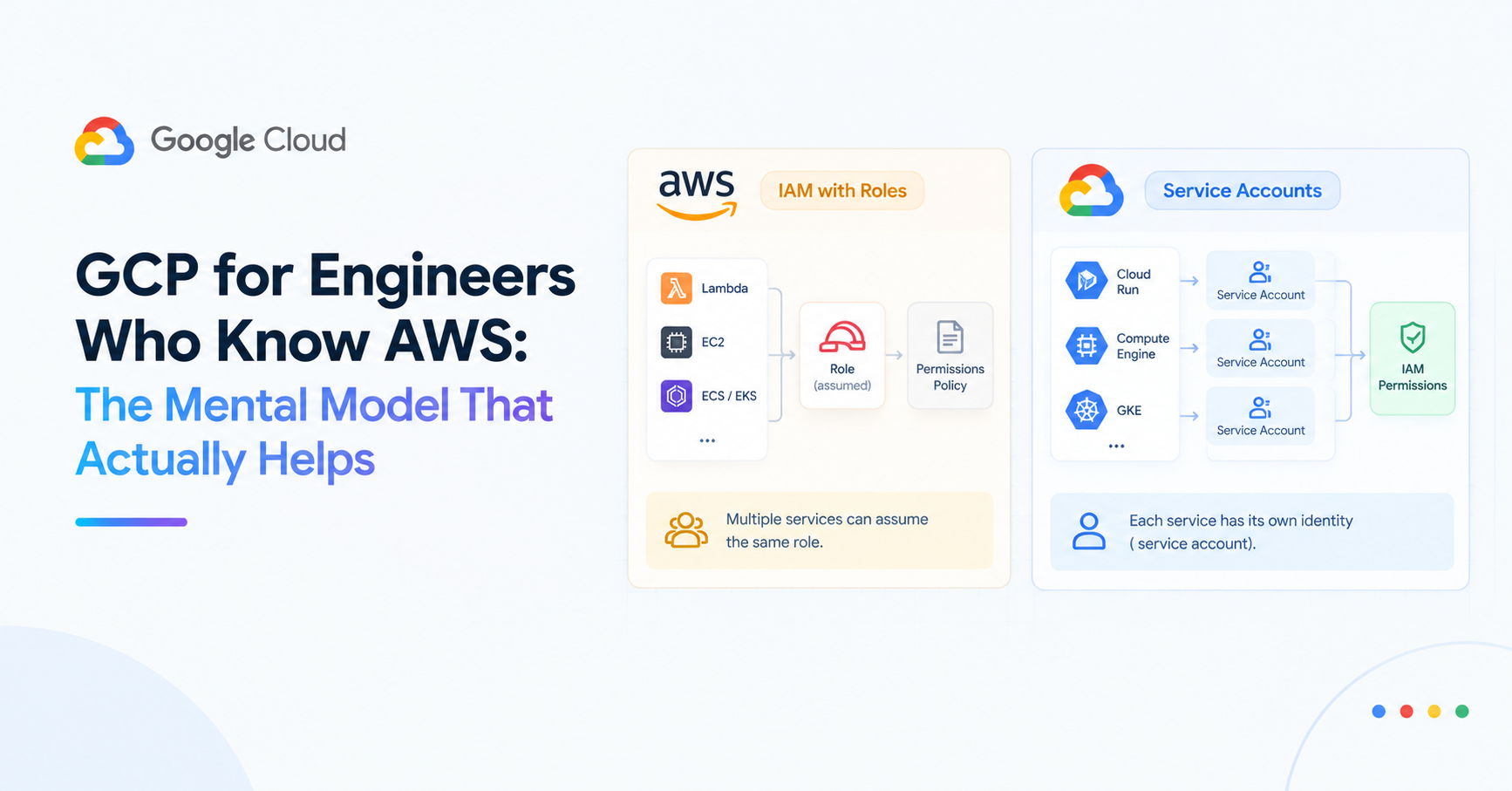
The first thing that breaks when an AWS engineer starts working on GCP isn't the tooling or the console. It's the assumption that IAM works the same way.
On AWS, you attach policies to IAM users, groups, and roles. Roles get assumed — a Lambda function assumes a role, an EC2 instance has an instance profile. The entity doing the work temporarily becomes the role.
On GCP, service accounts are not roles. They're identities — principals, like a user. A Cloud Run service doesn't assume a service account; it runs as one. The service account is the identity of the service, not a set of permissions bolted on at runtime.
This distinction matters more than it sounds. On AWS, you can have a single role that multiple services assume. On GCP, each service has its own identity, and you grant that identity the permissions it needs. The result is more explicit least-privilege by default — but it means thinking about identity differently from the start.
The Service Account Mental Model
AWS:                              GCP:
Lambda → assumes Role A           Cloud Run → runs as service-account@project.iam
EC2    → assumes Role B           Cloud SQL → runs as sql-service-account@project.iam
                                  Pub/Sub   → uses google-managed SA
On GCP, every service has an identity. Managed services (Cloud SQL, Pub/Sub, Cloud Storage) have Google-managed service accounts that handle internal operations. Your application services have service accounts you create and configure.
Granting access means granting a role to a principal on a resource:
# AWS equivalent: attach policy to role
# GCP: grant role to service account on resource
gcloud projects add-iam-policy-binding your-project \
  --member="serviceAccount:pulsecart-api@your-project.iam.gserviceaccount.com" \
  --role="roles/pubsub.publisher"
The binding says: this identity (service account) has this role (publisher) on this resource (the project). In Terraform:
resource "google_project_iam_member" "api_pubsub_publisher" {
  project = var.project_id
  role    = "roles/pubsub.publisher"
  member  = "serviceAccount:${google_service_account.api.email}"
}
The Service Mapping
Most AWS services have a GCP equivalent. The concepts are similar; the names, defaults, and sharp edges differ.
| AWS | GCP | Key Difference |
|---|---|---|
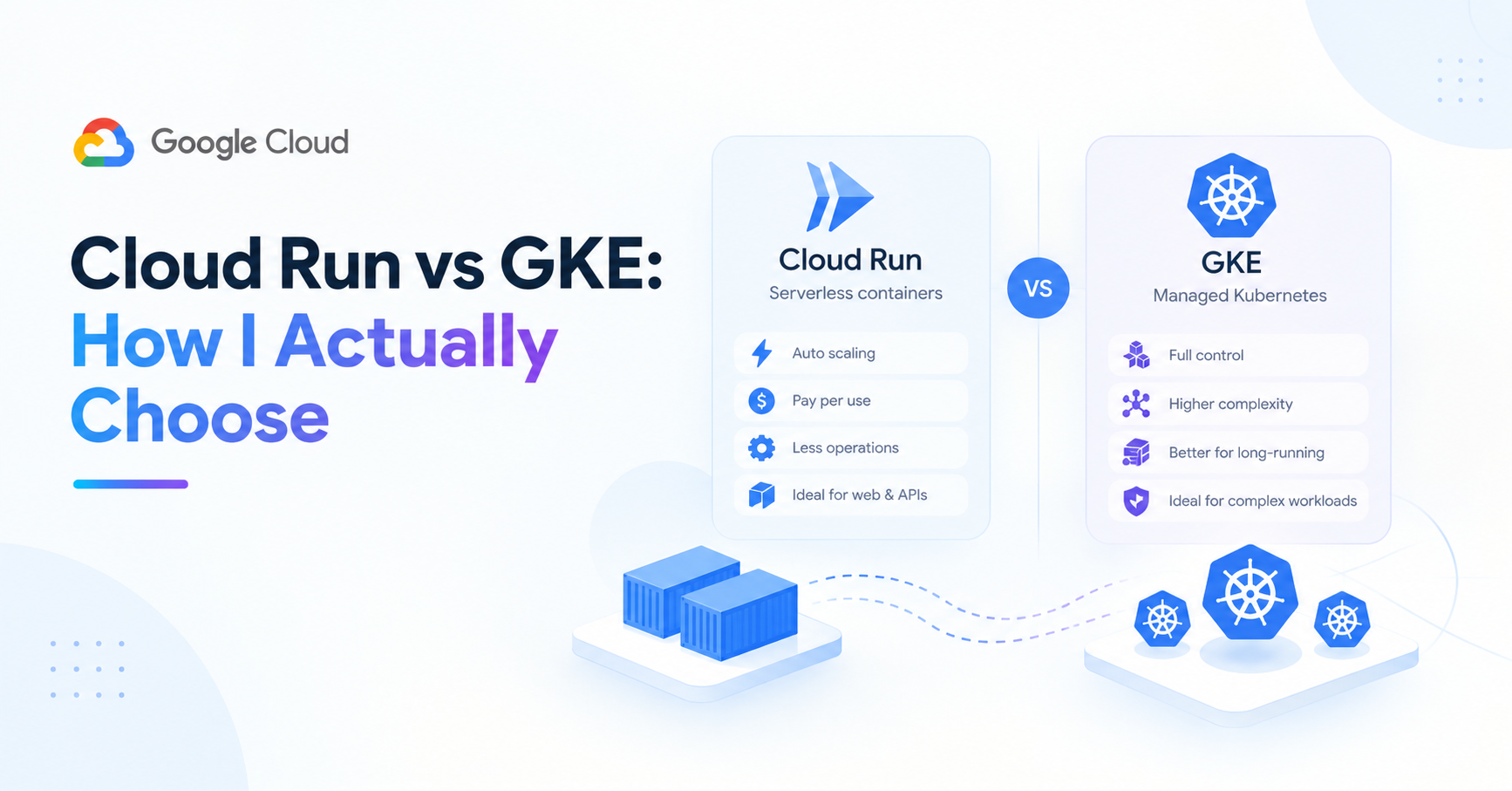
| ECS Fargate / App Runner | Cloud Run | GCP is request-based billing; AWS charges per vCPU-hour |
| EC2 | Compute Engine | GCP machine types use custom CPU/memory; AWS has fixed instance families |
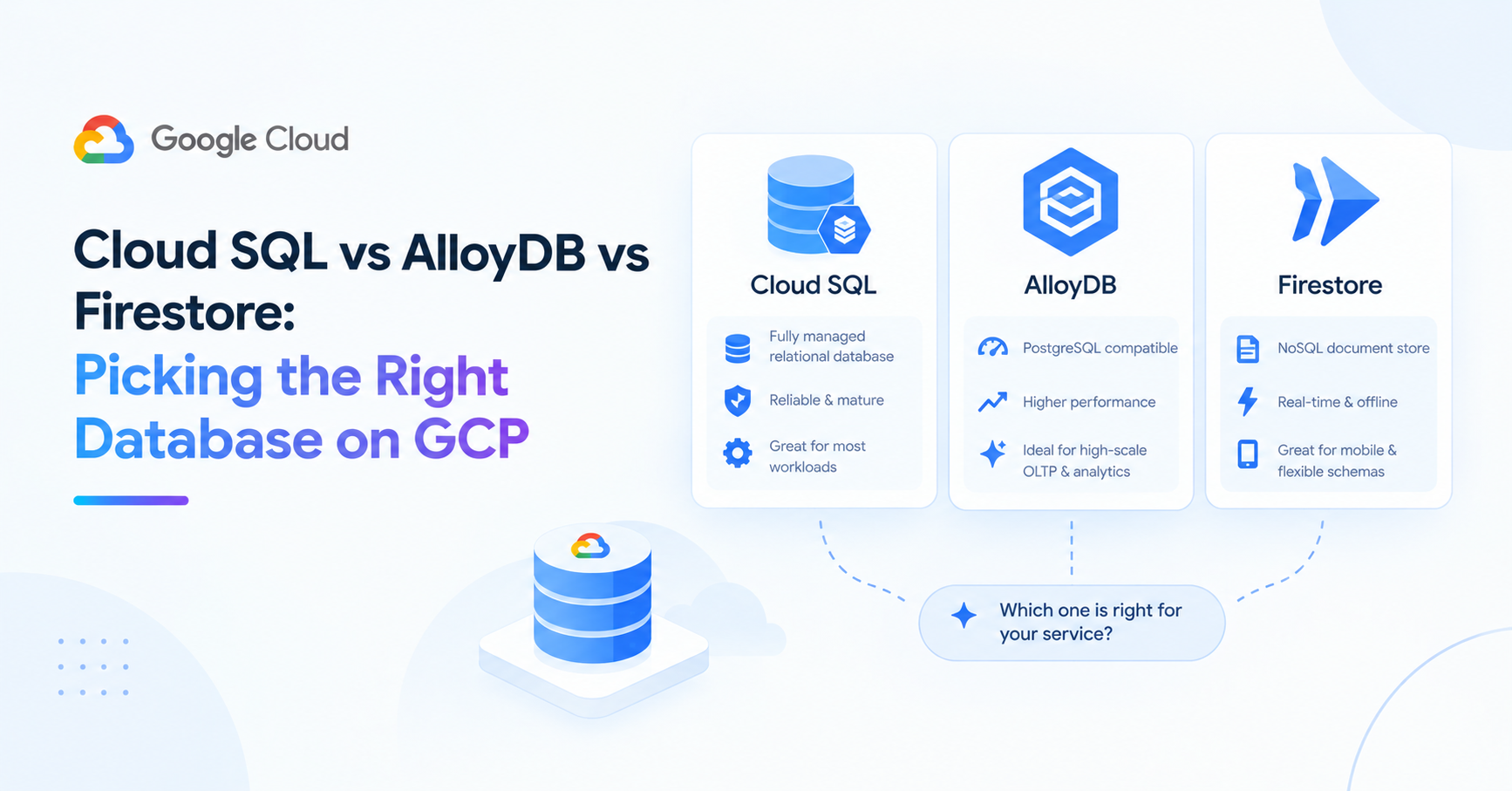
| RDS (PostgreSQL) | Cloud SQL | Cloud SQL has no read replicas on Basic tier; AlloyDB for high-performance |
| ElastiCache (Redis) | Memorystore | Nearly identical; GCP adds Memorystore for Redis Cluster |
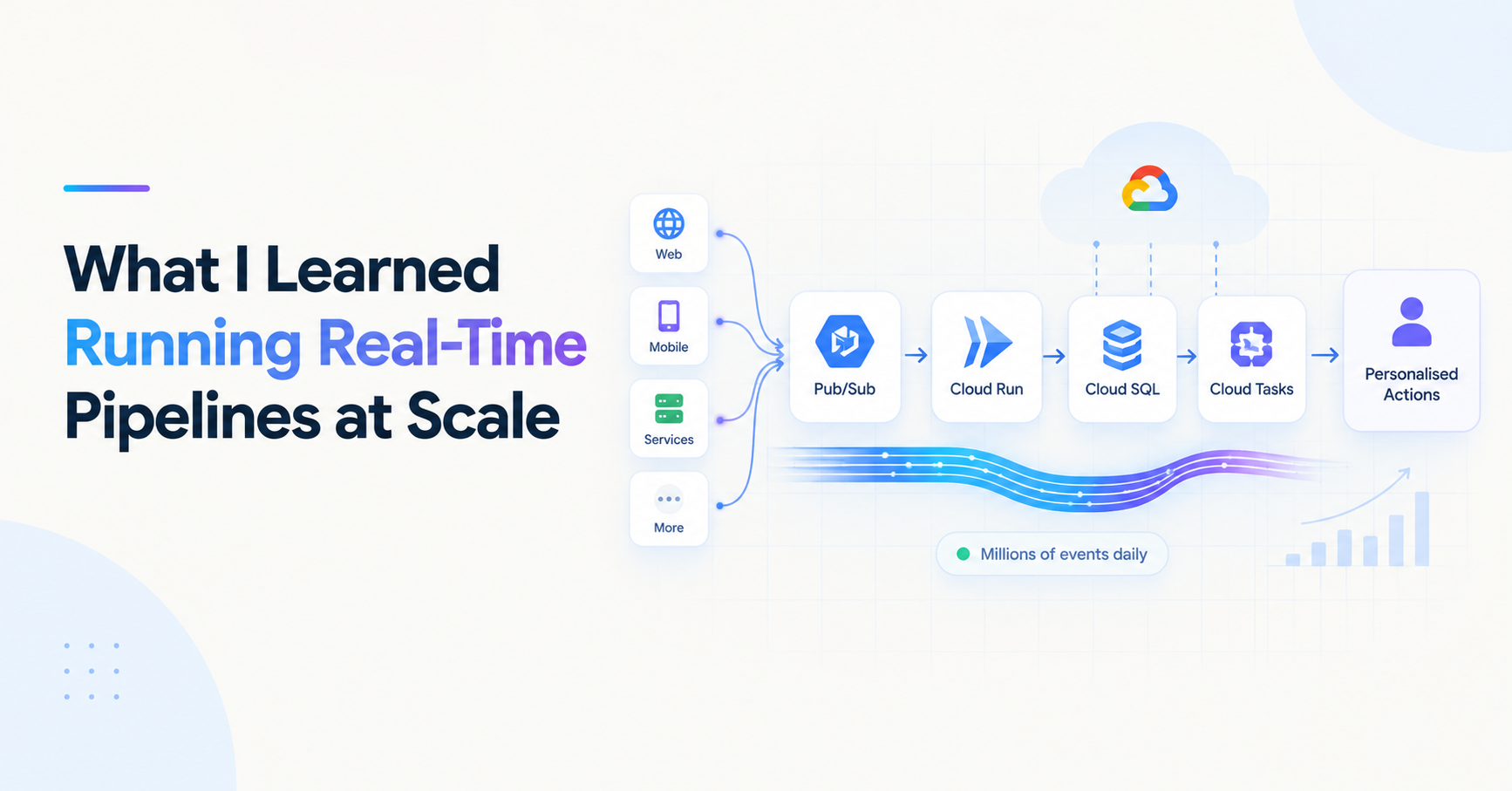
| SQS | Pub/Sub | Pub/Sub is push or pull; SQS is pull-only. Ordering semantics differ |
| Lambda | Cloud Functions | Cloud Functions Gen 2 runs on Cloud Run under the hood |
| S3 | Cloud Storage | GCS uses uniform bucket-level access by default; S3 uses per-object ACLs |
| CloudWatch | Cloud Logging / Cloud Monitoring | GCP splits logs and metrics; AWS combines under CloudWatch |
| Secrets Manager | Secret Manager | Near-identical API; GCP's is slightly simpler |
| CodePipeline / CodeBuild | Cloud Build | Cloud Build uses a YAML config; less opinionated than CodePipeline |
| VPC | VPC | GCP VPCs are global by default; AWS VPCs are regional |
The Differences That Actually Trip People Up
GCP VPCs are global. An AWS VPC is regional — you create separate VPCs per region. A GCP VPC spans all regions. You create subnets per region within the same VPC. This is almost always simpler, but it changes how you think about network segmentation.
Cloud Run billing is per-request, not per-hour. A Cloud Run service that receives no traffic costs nothing (beyond storage for the container image). An ECS Fargate task running with zero requests still charges for vCPU and memory time. This makes Cloud Run dramatically cheaper for low-traffic or bursty workloads.
Cloud Storage doesn't have public access by default. AWS S3 buckets created before 2023 could have objects with public ACLs. GCP Cloud Storage uses uniform bucket-level access by default — all access goes through IAM, not per-object ACLs. Simpler and more secure; just different from what AWS engineers expect.
gcloud vs aws CLI. The gcloud CLI requires project context on most commands. Forgetting --project means operating on your default project, which is usually not what you want. Add --project explicitly or set it as a default: gcloud config set project your-project-id.
Regions are named differently. AWS uses us-east-1, eu-west-2. GCP uses us-central1, europe-west2. There's no direct mapping — GCP's regions don't always correspond to the same data centers as their closest AWS equivalent.
The Workload Identity Federation Equivalent
On AWS, EC2 instance profiles and ECS task roles give containers access to AWS services without credentials. On GCP, the equivalent is Application Default Credentials (ADC) — when code runs on GCP infrastructure, the SDK automatically uses the service account attached to the resource.
# No credentials needed in code — ADC handles it
from google.cloud import pubsub_v1
publisher = pubsub_v1.PublisherClient()
# Automatically uses the Cloud Run service's SA
For GitHub Actions (or any external workload), the equivalent of AWS OIDC federation is GCP Workload Identity Federation — covered in the Terraform CI/CD post. The concept is identical: exchange a short-lived OIDC token for GCP credentials without storing a long-lived key.
The Tooling Equivalent
| AWS | GCP |
|---|---|
| AWS Console | Google Cloud Console |
aws CLI |
gcloud CLI |
| CloudFormation | Terraform (GCP also has Deployment Manager, rarely used) |
| AWS CDK | Terraform or Pulumi |
| ECR (container registry) | Artifact Registry |
| CloudTrail | Cloud Audit Logs |
| AWS Config | Cloud Asset Inventory |
One thing GCP does better: the gcloud CLI is consistent. The aws CLI has evolved over years with different verb patterns across services. gcloud uses gcloud [group] [command] uniformly — gcloud run deploy, gcloud sql instances list, gcloud pubsub topics create.
The One Thing to Remember
GCP and AWS solve the same problems with different abstractions. The services map reasonably well. The biggest shift isn't a specific feature — it's accepting that service accounts are identities, not roles to be assumed, and building your mental model of permissions from that foundation.
Everything else follows from getting that right.
About the author
- Senior full-stack engineer and engineering lead with 5+ years building cloud-native systems at scale. I write about the things the docs don't cover — GCP, FastAPI, Terraform, event-driven architecture, and AI-powered backends. No hello-world demos.
Comments
Join the discussionNo comments yet. Be the first to comment.
GCP: The Missing Manual
GCP's documentation covers what each service does. This series covers the decisions the docs don't make for you — which database to pick, when Cloud Run stops being enough, how IAM actually works if you're coming from AWS, and what to monitor before something goes wrong. Six posts for engineers who are already building on GCP and want to understand it more deeply, not a getting-started guide.