Event-Driven Fundamentals: Why PulseCart Moved Off Request-Response
Day 1 of Building PulseCart: Event-Driven Architecture on GCP

Every system starts synchronously. A user clicks "Add to Cart", your API handles it, writes to the database, and returns a 200. Simple, predictable, easy to reason about. Then traffic grows, and the cracks start showing.
PulseCart's first version worked exactly like this. A single checkout endpoint did everything: validated the cart, charged the payment, updated inventory, triggered a confirmation email, and queued a personalization signal — all in one request. At low traffic, it was fine. At scale, it became a liability. One slow email provider call could time out the entire checkout. A spike in orders backed up inventory updates. The system was only as fast as its slowest step.
This is the core problem that event-driven architecture solves — and it's the reason PulseCart's pipeline looks nothing like that original design.
The Problem With Request-Response at Scale
Synchronous request-response couples the caller to every downstream operation. When your checkout endpoint calls the email service, it's blocked until the email service responds. If inventory updates are slow, checkout is slow. If the personalization service is down, checkout fails.
This creates three concrete problems:
Latency compounds. Each synchronous step adds to the total response time. Three services averaging 100ms each means your user waits 300ms minimum — before accounting for retries, timeouts, or database contention.
Failures cascade. A transient failure in one downstream service propagates up to the caller. Your checkout endpoint shouldn't fail because an email provider returned a 503.
Scaling is uneven. Checkout traffic spikes at different times than, say, personalization scoring. Coupling them in a synchronous chain means you scale everything together, whether or not every service actually needs it.
The Event-Driven Alternative
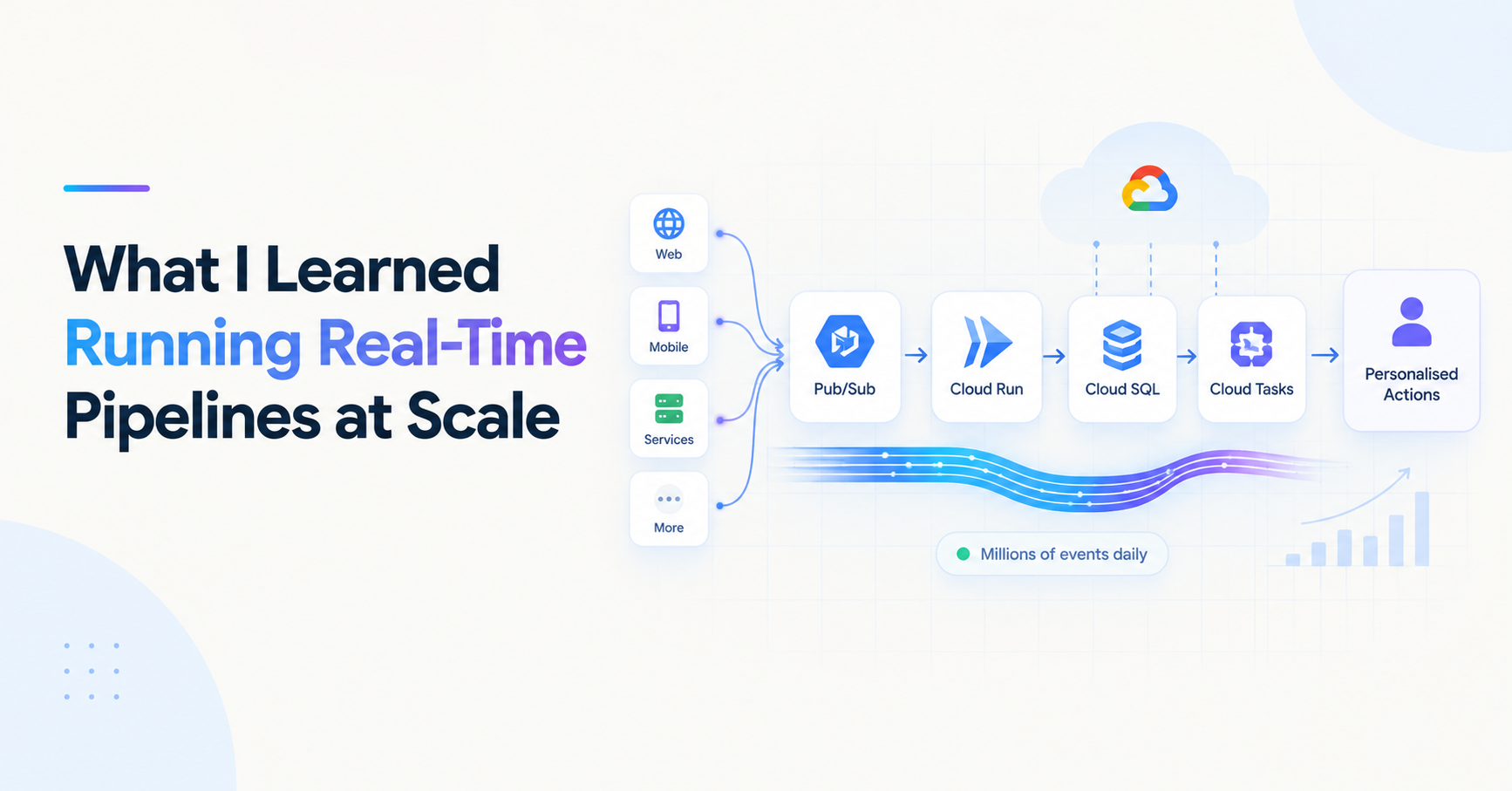
Instead of one endpoint doing everything, PulseCart decouples each action into a discrete event. The checkout endpoint does exactly one thing: persist the order and publish an order.placed event. Everything else — email, inventory, personalization — reacts to that event independently and asynchronously.
The caller gets a fast response. Downstream services process at their own pace. A failure in email doesn't affect inventory. Each service scales independently.
This is the shift: from orchestration (one caller tells everyone what to do, in order) to choreography (each service reacts to what happened, when it's ready).
PulseCart's Event Taxonomy
Before writing any code, you need to define what events exist in your system, what they mean, and what triggers them. Getting this wrong early is expensive — a vague event schema leads to consumers that guess at intent and producers that overload single event types with unrelated concerns.
PulseCart organizes events into three categories:
1. User Action Events
Things a user explicitly does. These are the raw inputs to the system.
{
  "event_type": "cart.item_added",
  "event_id": "evt_01HZ9K2MNP3Q",
  "timestamp": "2025-06-18T10:23:41Z",
  "user_id": "usr_8821",
  "session_id": "sess_44fa9b",
  "payload": {
    "product_id": "prod_991",
    "product_name": "Wireless Headphones",
    "quantity": 1,
    "unit_price": 89.99
  }
}
Other user action events: cart.item_removed, product.viewed, search.performed, user.signed_up
2. Commerce Events
System-confirmed state changes. These represent something that actually happened in the platform — not just an intent.
{
  "event_type": "order.placed",
  "event_id": "evt_01HZ9K7TRP2W",
  "timestamp": "2025-06-18T10:31:05Z",
  "user_id": "usr_8821",
  "order_id": "ord_77234",
  "payload": {
    "items": [
      { "product_id": "prod_991", "quantity": 1, "unit_price": 89.99 }
    ],
    "total": 89.99,
    "currency": "USD",
    "payment_status": "confirmed"
  }
}
Other commerce events: order.cancelled, cart.abandoned, payment.failed, refund.issued
3. System-Triggered Events
Events generated by internal services, not by user actions. These drive automation and personalization.
{
  "event_type": "message.personalized_send",
  "event_id": "evt_01HZ9M1KQP9A",
  "timestamp": "2025-06-18T12:31:05Z",
  "user_id": "usr_8821",
  "payload": {
    "trigger": "cart.abandoned",
    "channel": "email",
    "template_id": "tpl_abandon_v3",
    "scheduled_at": "2025-06-18T14:31:05Z"
  }
}
Other system events: recommendation.updated, inventory.low_stock_alert, user.segment_changed
Defining the Schema in Python
In PulseCart, every event is validated against a Pydantic schema before it hits the pipeline. This isn't optional — it's the contract between producers and consumers. A consumer that receives a malformed event and silently ignores it is worse than one that rejects it loudly.
from pydantic import BaseModel, Field
from typing import Any, Dict
from datetime import datetime
import uuid

class PulseCartEvent(BaseModel):
    event_type: str
    event_id: str = Field(default_factory=lambda: f"evt_{uuid.uuid4().hex[:12]}")
    timestamp: datetime = Field(default_factory=datetime.utcnow)
    user_id: str
    payload: Dict[str, Any]

class CartItemAddedEvent(PulseCartEvent):
    event_type: str = "cart.item_added"
    session_id: str

    class Config:
        json_schema_extra = {
            "example": {
                "event_type": "cart.item_added",
                "user_id": "usr_8821",
                "session_id": "sess_44fa9b",
                "payload": {
                    "product_id": "prod_991",
                    "quantity": 1,
                    "unit_price": 89.99
                }
            }
        }
The base PulseCartEvent establishes the envelope — event_type, event_id, timestamp, user_id, payload. Specific event types extend it and add their own fields. Every event goes through this validation before being published to Pub/Sub.
What Makes a Good Event
A few principles that hold in production:
Events describe what happened, not what to do. order.placed is a good event. send_confirmation_email is a command masquerading as an event. Consumers decide what they do with an event — that decision doesn't belong in the event name.
Events are immutable facts. Once an event is published, it happened. You don't update events; you publish new ones. This matters especially for audit trails and replay scenarios.
Include enough context to be useful. A consumer shouldn't need to make 3 more API calls to figure out what to do with an event. If a cart.abandoned event doesn't include the user's email or at least their user_id, the email consumer is stuck.
Keep payloads focused. Don't dump the entire user profile into every event. Include what's relevant to that specific state change, and let consumers fetch additional context if they need it.
PulseCart's Event Flow, End to End
Here's the full picture of what we're building:
User Action
    │
    ▼
FastAPI Ingestion Service
    │  (validates with Pydantic, assigns event_id + timestamp)
    ▼
Pub/Sub Topic (e.g. pulsecart.commerce.events)
    │
    ├──▶ Cloud Run Consumer (real-time reactions: trigger personalized message)
    │
    ├──▶ Cloud Tasks (delayed work: cart abandonment reminder in 2 hours)
    │
    └──▶ Airflow DAG (nightly: aggregate, reconcile, update recommendation scores)
Each layer has a specific job. The ingestion service doesn't know or care what happens downstream. Pub/Sub delivers to whoever is subscribed. Consumers are independent and can fail without affecting each other or the producer.
We'll build each piece in the posts ahead.
What's Next
Day 2 covers Pub/Sub topics and subscriptions in depth — how to structure PulseCart's event backbone, when to use push vs pull subscriptions, and how dead-letter topics save you when things go wrong downstream.
About the author
- Senior full-stack engineer and engineering lead with 5+ years building cloud-native systems at scale. I write about the things the docs don't cover — GCP, FastAPI, Terraform, event-driven architecture, and AI-powered backends. No hello-world demos.
Comments
Join the discussionThis is a phenomenal architectural write-up! Moving from tightly coupled orchestration to event-driven choreography is the exact inflection point where an e-commerce platform transitions from an MVP to a resilient, enterprise-grade system.
Your breakdown of the event taxonomy—specifically the distinction between an immutable fact (order.placed) and an orchestration command masquerading as an event—is a crucial lesson that many backend engineers learn the hard way. Validating the envelope contract via Pydantic before it ever touches the message broker is a beautiful pattern that keeps the pipeline loud and reliable.
If I can offer one supportive critique for the upcoming Day 2 topic: when you dive into Google Cloud Pub/Sub subscriptions, it would be awesome to see how you handle idempotency on the consumer side, especially since Pub/Sub guarantees at-least-once delivery.
Looking forward to the deep dive into dead-letter topics! Outstanding work!
Thanks, glad it resonated! You're right that idempotency is exactly where Pub/Sub's at-least-once delivery bites people, so it's front and center in Day 2. I'm planning to cover deduplication keys on the consumer (carrying a stable event ID through the envelope and tracking processed IDs) alongside the dead-letter topic setup. Curious whether you've leaned more on broker-side dedup or handled it in the application layer — always interested in what's held up in production.
Building PulseCart: Event-Driven Architecture on GCP
A hands-on series building PulseCart, a fictional e-commerce platform, using GCP's managed event-driven stack — Pub/Sub, Cloud Tasks, Cloud Run, and Airflow — instead of self-managed Kafka. Each post tackles a real production concern: event taxonomy design, delivery semantics, retries and dead-letter handling, batch orchestration, infrastructure-as-code, and observability. Written from real experience building systems that process millions of events and terabytes of data daily, this series is for engineers who want to see event-driven architecture built the way it actually gets built in production, not as a hello-world demo.